
Over $2 trillion in goods cross American borders every year, yet even a minor documentation error can stall shipments for days. If you manage imports or exports for a growing business, gathering correct details and preparing the Customs Power of Attorney form is the first step to staying compliant and avoiding costly delays. This guide lays out each step clearly, helping American businesses move shipments internationally with confidence and fewer interruptions.
Table of Contents
- Step 1: Gather Necessary Business And Shipment Details
- Step 2: Download The Correct Customs POA Form Version
- Step 3: Enter Legal Information And Assign Authority
- Step 4: Review Data For Accuracy And Completeness
- Step 5: Submit The Completed Customs POA Form For Processing
Quick Summary
| Key Point | Explanation |
|---|---|
| 1. Gather comprehensive shipment details | Ensure you collect all necessary documentation such as invoice, bill of lading, and packing list to avoid delays. |
| 2. Download the correct POA form | Obtain the latest Customs Power of Attorney form from official websites to meet U.S. requirements. |
| 3. Enter business information accurately | Fill out the POA form with correct business and broker details to prevent processing delays. |
| 4. Review for errors before submission | Validate all entries against official documents to ensure accuracy and reduce the risk of complications. |
| 5. Submit POA through designated channels | Use electronic submissions via ACE for faster processing and maintain communication with your broker. |
Step 1: Gather necessary business and shipment details
Gathering the right business and shipment information forms the critical foundation for completing your Customs Power of Attorney (POA) form accurately. Proper documentation prevents delays and ensures smooth U.S. import processing. You will need to collect comprehensive details about your business, the specific shipment, and the parties involved in the transaction.
Start by compiling key business documentation including your company’s legal name, federal tax identification number, physical address, and contact information for the authorized representative who will sign the POA. For international shipments, you’ll also want to review packing list essentials to confirm you have all required documentation. Next, gather specific shipment details such as the commercial invoice, bill of lading, precise description of goods, harmonized tariff code, country of origin, and total shipment value. Confirm you have accurate weight measurements, quantity of items, and any special handling requirements that might impact customs clearance.
Each document you collect serves as critical evidence for customs officials and helps expedite your import process. Organize these materials systematically before beginning your POA form to streamline the entire submission.
Pro Tip: Create a digital and physical folder for each shipment to keep all documentation organized and easily accessible during the customs clearance process.
Here’s a summary of essential documents and their roles in the customs POA process:
| Document Type | Purpose in POA Process | Key Details Needed |
|---|---|---|
| Business Registration | Verifies legal business identity | Company legal name, entity type |
| Commercial Invoice | Establishes shipment value | Description, item values, totals |
| Bill of Lading | Details shipment logistics | Routing, carrier, consignee info |
| Packing List | Confirms shipment contents | Weight, quantity, item details |
| IRS EIN | Confirms tax identification | Employer Identification Number |
| Signature Authority | Validates authorization | Name and title of signatory |
Step 2: Download the correct customs POA form version
Downloading the accurate Customs Power of Attorney form is a crucial step in ensuring your import documentation meets U.S. government requirements. Your goal in this step is to obtain the most recent official version of the customs form that will be accepted by U.S. Customs and Border Protection.
For U.S. imports, you will specifically need CBP Form 5291, which is the standard Power of Attorney document for customs processing. You can download this form directly from the U.S. Customs and Border Protection official website or through authorized government portals. When downloading, verify that you are accessing the most current version, as these forms are periodically updated to reflect changes in regulatory requirements. Carefully check that the form matches the current year and includes all necessary fields for your specific import transaction.
Review the downloaded form thoroughly before completing it, ensuring all sections are clear and you understand the information required in each section. Confirm that the form supports your specific type of import transaction and meets all current compliance standards.
Pro Tip: Always download the form directly from official government websites to guarantee you have the most recent and legally valid version.
Step 3: Enter legal information and assign authority
Entering legal information and assigning authority requires precision and careful attention to detail in your Customs Power of Attorney form. Your goal is to provide accurate company details that will legally empower your customs broker to act on your behalf.
When completing the form, you must precisely enter business details including your full legal business name, complete physical address, and your Internal Revenue Service (IRS) Employer Identification Number (EIN). The document will require you to specify your business entity type such as corporation, limited liability company, or partnership. Pay close attention to naming conventions and ensure every detail matches your official business registration documents. In the agent authorization section, clearly list the name of your customs broker and explicitly state the scope of authority you are granting them to submit documents, pay required duties, and represent your company during import processes.

Each section of the form demands accuracy because even minor discrepancies can lead to processing delays or potential legal complications with your import shipment. Double check all entered information against your official business records before signing and dating the document.
Pro Tip: Keep a photocopy of the completed form for your internal records and verify all details with your customs broker before submission.
Step 4: Review data for accuracy and completeness
Reviewing your Customs Power of Attorney form for accuracy is a critical final checkpoint before submission. Your primary goal is to eliminate any potential errors that could delay or complicate your import process.
Carefully validate every detail on the form to ensure absolute precision. Compare each entry against your official business documents including your company registration, tax records, and identification materials. Check that your business name appears exactly as registered with the U.S. Customs and Border Protection, including any legal designations like Inc., LLC, or Corporation. Verify that your Employer Identification Number (EIN), physical address, and contact information are completely identical to your official records. Confirm the authorized signatory has signed the document and that their signature matches the official business documentation. Pay special attention to any additional pages that might require initials or signatures.
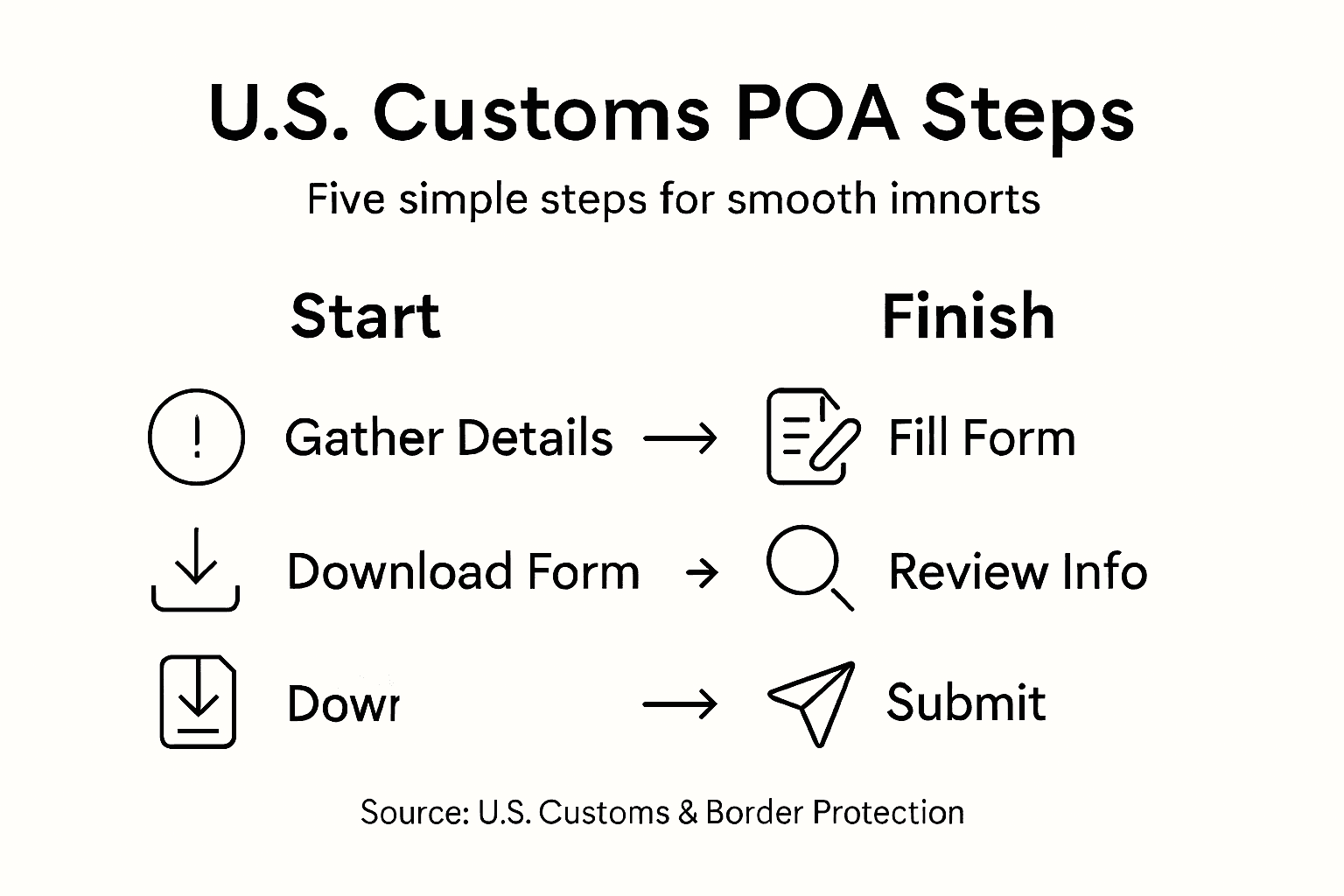
A single mismatched detail can trigger processing delays or potentially invalidate your entire Power of Attorney submission. Take your time during this review process and consider having a second company representative double check the form as an extra precaution.
Pro Tip: Create a standardized internal checklist for reviewing POA forms to ensure consistent and thorough verification every single time.
Step 5: Submit the completed customs POA form for processing
Submitting your Customs Power of Attorney form is the final crucial step in establishing legal authorization for your customs broker to act on your company’s behalf during import transactions. Your objective is to ensure the form is transmitted accurately and efficiently.
You will typically submit the POA through specific processing channels directly to your customs broker, who will then file the documentation with U.S. Customs and Border Protection. Most brokers now prefer electronic submission through the Automated Commercial Environment (ACE) system, which provides immediate documentation tracking and confirmation. If your broker accepts physical submission, ensure you provide a clear copy with original signatures and retain a duplicate for your internal records. Confirm receipt of the POA by requesting a written or digital acknowledgment from your broker that specifically notes the submission date and confirms the document has been processed.
Remember that your customs broker cannot legally represent your company until the Power of Attorney form has been fully processed and validated by the appropriate authorities. Maintain open communication with your broker to track the submission status and address any potential issues promptly.
Below is a comparison of main POA submission methods and their business impact:
| Submission Method | Processing Speed | Confirmation Type | Typical Use Cases |
|---|---|---|---|
| Electronic (ACE system) | Immediate or 1 day | Digital receipt, tracking ID | Large volume or urgent imports |
| Physical (paper) | Several business days | Written or scanned receipt | Small shipments, manual backup |
Pro Tip: Request a tracking number or submission confirmation code when filing your POA to maintain a clear record of the document’s processing timeline.
Simplify Your Customs Power of Attorney Process with Experts You Can Trust
Completing a Customs Power of Attorney form can be overwhelming with the need for precise business details, accurate legal information, and timely submission. Many businesses face delays and compliance challenges because even small errors can disrupt customs clearance. If you are aiming for seamless customs brokerage, fast processing, and expert guidance to avoid costly mistakes, our solutions are designed just for you.
Take control of your import shipments today by partnering with Worldwide Express, Inc. Our extensive experience in customs documentation and clearance means you get:
- Personalized support to gather and verify all necessary shipment and business details
- Efficient handling of POA forms ensuring 100 percent accuracy
- Fast electronic submissions and clear status tracking
Discover peace of mind with our proven customs services by exploring the Uncategorized – Worldwide Express, Inc. page. Start your smooth import process now at Worldwide Express and gain access to expert freight forwarding, customs compliance, and global shipping solutions tailored to your business needs.
Frequently Asked Questions
What information do I need to gather before completing a Customs POA form?
To complete a Customs Power of Attorney form, you need to gather your company’s legal name, federal tax identification number, physical address, and details for the authorized representative. Additionally, compile specific shipment documentation like commercial invoices, bills of lading, and harmonized tariff codes.
How do I download the correct Customs POA form for U.S. imports?
Download the accurate Customs Power of Attorney form, specifically CBP Form 5291, from the official U.S. Customs and Border Protection website. Always verify that you are using the most recent version to ensure compliance with current regulations.
What legal information must I enter on the Customs POA form?
Enter your full legal business name, complete address, and your IRS Employer Identification Number (EIN) on the Customs POA form. Ensure that this information matches your official business registration to avoid processing delays.
How can I verify the accuracy of my Customs POA form before submission?
Review every detail on your Customs Power of Attorney form against your official business documents and other collected materials. Pay special attention to your business name, EIN, and the authorized signatory’s signature for accuracy to minimize the risk of delays.
What are the submission methods for the Customs POA form?
You can submit the Customs POA form electronically through the Automated Commercial Environment (ACE) system or via physical submission to your customs broker. Electronic submissions are typically processed immediately, while physical submissions may take several business days.
How can I confirm that my Customs POA form has been processed?
Request a confirmation from your customs broker that includes either a digital tracking ID or a written acknowledgment of the POA submission date. Keeping a clear documentation trail helps you track the status of your Customs POA submission.
Recommended
- Complete Guide to Customs Power of Attorney Form PDF – Worldwide Express, Inc.
- Power of Attorney for Customs Clearance: Streamline US Imports – Worldwide Express, Inc.
- Complete Guide to Using Customs Power of Attorney PDF – Worldwide Express, Inc.
- Entry Summary 7501 in U.S. Imports: Ensuring Compliance – Worldwide Express, Inc.