

Dealing with shifting regulations and complex shipping networks is an everyday reality for American logistics managers guiding cross-border trade. Managing international shipping zones, selecting reliable carriers, and handling customs documentation are vital steps that shape operational efficiency and compliance. By mastering international shipping solutions and understanding customs requirements, you can strengthen your global supply chain and minimize costly disruptions while supporting smoother transactions for your import or export business.
Table of Contents
- Step 1: Identify Shipping Zones And Map International Markets
- Step 2: Configure Shipping Methods And Carrier Integrations
- Step 3: Set Up Customs, Duties, And Documentation Requirements
- Step 4: Integrate Real-Time Tracking And Notification Tools
- Step 5: Verify International Checkout And Shipping Workflow
Quick Summary
| Key Point | Explanation |
|---|---|
| 1. Define shipping zones strategically | Identify and map international shipping zones based on customer demand and economic conditions for effective logistics management. |
| 2. Choose reliable shipping carriers | Select multiple shipping carriers to ensure competitive pricing, tracking capabilities, and fast delivery options that meet customer needs. |
| 3. Prepare necessary customs documentation | Generate essential documents like commercial invoices and packing lists to ensure compliance with customs regulations and avoid delays. |
| 4. Implement real-time tracking systems | Integrate tracking tools that provide customers updates on shipment status, enhancing transparency and reducing support inquiries. |
| 5. Test international checkout processes | Verify each stage of the international checkout workflow to ensure smooth transactions, including accurate currency conversion and tax calculations. |
Step 1: Identify shipping zones and map international markets
Mapping international shipping zones is crucial for WooCommerce store owners looking to expand their global reach. By strategically defining your shipping regions, you can create targeted pricing strategies and manage logistics effectively.
To begin identifying shipping zones, start by analyzing your current customer base and global market entry strategies. Consider these key factors when mapping your international markets:
- Research potential markets based on product demand and shipping feasibility
- Evaluate economic conditions in target regions
- Analyze shipping costs and potential tariffs
- Review customs regulations for each country
In WooCommerce, you can set up shipping zones by navigating to WooCommerce > Settings > Shipping. Select “Add shipping zone” and define specific regions where you’re prepared to offer international delivery. Each zone allows you to set custom rates, shipping methods, and restrictions.
Effective international shipping requires thorough research and strategic planning across multiple economic and logistical dimensions.
Consider starting with markets that have:
- Established trade relationships with your home country
- Lower shipping complexity
- Similar regulatory environments
- Strong existing customer interest
Pro tip: Always validate shipping zone regulations and potential import restrictions before expanding into new international markets to prevent unexpected compliance challenges.
Step 2: Configure shipping methods and carrier integrations
Configuring shipping methods and carrier integrations is a critical step in establishing a robust international shipping strategy for your WooCommerce store. By carefully selecting and integrating shipping carriers, you can streamline your logistics and provide customers with reliable delivery options.

Start by exploring the available carrier options within WooCommerce. Most stores work with multiple carriers to provide flexible shipping choices. Shipping options require careful selection based on your target markets and product characteristics. WooCommerce offers native integrations with major carriers like UPS, FedEx, and USPS, allowing you to set up real-time shipping rates and tracking.
Key considerations for carrier integration include:
- Compatibility with your shipping zones
- Competitive pricing structures
- Tracking and insurance capabilities
- International shipping regulations compliance
- Delivery speed and reliability
Strategic carrier selection can significantly impact your international shipping efficiency and customer satisfaction.
To configure carriers in WooCommerce, follow these steps:
- Go to WooCommerce > Settings > Shipping
- Select “Add shipping method”
- Choose your preferred carrier
- Configure rate settings and restrictions
- Test shipping calculations for accuracy
Each carrier integration allows you to set specific rules such as:
Here is a comparison of key international shipping carrier features for WooCommerce:
| Carrier | Coverage Scope | Rate Calculation | Tracking Integration |
|---|---|---|---|
| UPS | Global | Real-time rates | Detailed tracking |
| FedEx | Extensive | Dynamic rates | End-to-end updates |
| USPS | International | Live rates | Standard tracking |
| DHL | Worldwide | Automated rates | Direct integration |
- Minimum and maximum package weights
- Dimensional weight calculations
- Handling fees
- Country-specific shipping restrictions
Pro tip: Always maintain multiple carrier options to provide customers with flexible shipping choices and backup alternatives in case of service disruptions.
Step 3: Set up customs, duties, and documentation requirements
Setting up customs, duties, and documentation requirements is crucial for successfully navigating international shipping in your WooCommerce store. Proper preparation ensures smooth cross-border transactions and helps you avoid potential costly delays or penalties.
Customs compliance requires understanding shared import-export responsibilities, including the necessary documentation and regulatory requirements for each target country. WooCommerce store owners must be prepared to generate and manage several key documents for international shipments.
Essential documentation for international shipping includes:
Below is a summary of essential customs documentation and their purposes:
| Document Type | Main Purpose | Who Requires It |
|---|---|---|
| Commercial Invoice | States product value and details | Import/export customs |
| Packing List | Lists shipment contents | Customs officials |
| Certificate of Origin | Shows product manufacturing country | Customs authorities |
| Export License | Authorizes specific exports | Government agencies |
| HS Code | Identifies goods classification | Customs authorities |
- Commercial invoices detailing product value and description
- Accurate packing lists
- Certificates of origin
- Export licenses (if applicable)
- Harmonized System (HS) product codes
Comprehensive and accurate documentation is the foundation of successful international shipping.
To streamline your customs process, consider these critical steps:
- Research country-specific import regulations
- Determine applicable duty rates
- Calculate accurate product valuations
- Prepare required shipping documentation
- Consider working with a customs broker
Key considerations for managing international duties include:
- Understand tariff classifications
- Calculate potential import taxes
- Decide on delivery duty paid (DDP) or delivery duty unpaid (DDU) shipping
- Use automated tools for duty and tax calculations
- Stay updated on changing international trade regulations
Pro tip: Invest in comprehensive documentation management software to automate and track your international shipping paperwork, reducing the risk of errors and compliance issues.
Step 4: Integrate real-time tracking and notification tools
Integrating real-time tracking and notification tools is essential for creating a transparent and customer-friendly international shipping experience in your WooCommerce store. These tools help manage customer expectations and reduce support inquiries by providing instant updates throughout the shipping process.
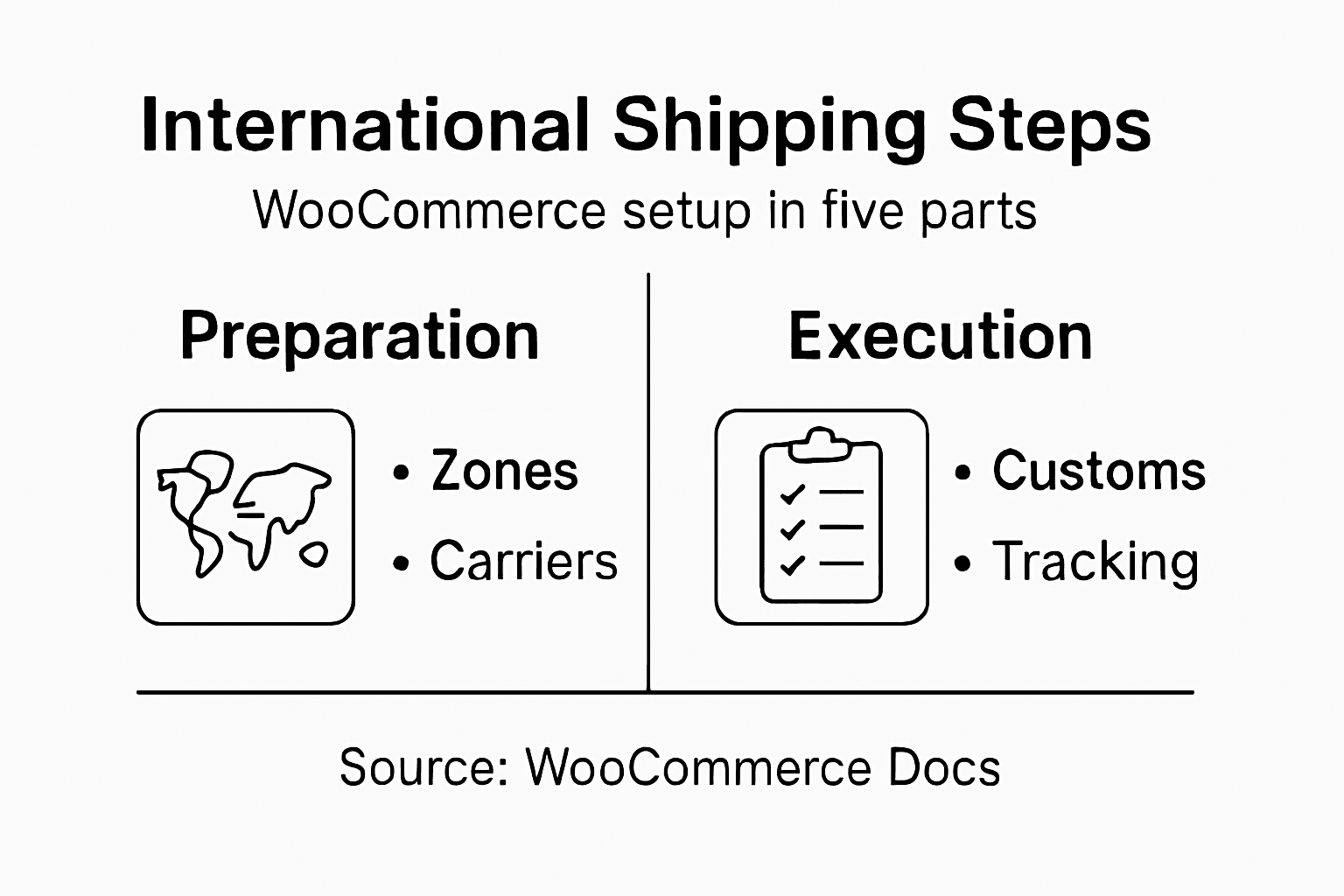
Shipment tracking plugins offer automated delivery updates across multiple communication channels including email, SMS, and messaging platforms. By implementing these tools, you can significantly enhance customer satisfaction and reduce operational overhead associated with shipping inquiries.
Key features to look for in tracking and notification tools include:
- Multichannel notification support
- Real-time shipment status updates
- Compatibility with multiple carriers
- Customizable notification templates
- Integration with WooCommerce dashboard
Effective tracking tools transform shipping from a transactional process into an engaging customer experience.
To successfully implement tracking tools, follow these steps:
- Research and select a compatible WooCommerce tracking plugin
- Install and configure the plugin
- Connect with your preferred shipping carriers
- Test notification workflows
- Customize tracking page and email templates
Consider these best practices for tracking integration:
- Automate tracking number generation
- Provide clear tracking links
- Offer estimated delivery dates
- Enable customer self-service tracking
- Integrate tracking across multiple platforms
Pro tip: Select a tracking solution that offers seamless API integrations and supports a wide range of international carriers to maximize your shipping flexibility.
Step 5: Verify international checkout and shipping workflow
Verifying your international checkout and shipping workflow is a critical final step in creating a seamless cross-border shopping experience for your WooCommerce store. A well-designed process ensures smooth transactions and minimizes potential friction points for international customers.
WooCommerce offers comprehensive checkout configuration tools designed to optimize international sales processes. Your workflow verification should focus on testing every stage of the customer journey from product selection to final delivery.
Key areas to verify in your international checkout workflow include:
- Currency conversion accuracy
- Correct tax calculations
- Multiple payment gateway support
- Language localization options
- Shipping cost transparency
A meticulously tested international checkout workflow transforms potential barriers into seamless customer experiences.
To thoroughly verify your international shipping workflow, perform these comprehensive checks:
- Test checkout process from multiple international locations
- Validate currency and tax calculations
- Confirm shipping method selections
- Review order confirmation and tracking notifications
- Simulate complete international order fulfillment
Consider implementing these verification strategies:
- Use geolocation testing tools
- Run multiple test transactions
- Check mobile and desktop checkout experiences
- Validate cross-border payment processing
- Review multilingual support functionality
Pro tip: Create a comprehensive testing checklist with scenarios from different countries to ensure your international checkout workflow remains robust and user-friendly.
Streamline Your WooCommerce International Shipping with Expert Logistics Support
Expanding your WooCommerce store globally brings exciting opportunities but also complex challenges. From navigating customs regulations and managing duties to integrating real-time tracking and ensuring smooth checkout workflows, every step requires precision and expert handling. This article highlights key pain points like configuring shipping zones, carrier integrations, and documentation management critical for seamless cross-border sales.
Take control of your international shipping hurdles with Worldwide Express, Inc. Our comprehensive logistics solutions cover customs brokerage, freight forwarding, and global tracking designed to complement your WooCommerce setup. Visit our Uncategorized – Worldwide Express, Inc. page to explore how our tailored services empower you to optimize shipping efficiency and compliance while enhancing customer satisfaction. Don’t let international complexities hold back your growth. Get started now at Worldwide Express and transform your cross-border shipping into a competitive advantage.
Frequently Asked Questions
How do I identify shipping zones for international shipping in WooCommerce?
To identify shipping zones for international shipping in WooCommerce, start by analyzing your existing customer base and researching potential markets. Go to WooCommerce > Settings > Shipping, select ‘Add shipping zone,’ and define specific regions to offer international delivery.
What are the key steps to configure shipping methods and carrier integrations in WooCommerce?
To configure shipping methods and carrier integrations, explore the available carrier options within WooCommerce. Go to WooCommerce > Settings > Shipping, click ‘Add shipping method,’ select your preferred carrier, and configure the relevant rate settings for accurate shipping calculations.
What documentation do I need for international shipping in WooCommerce?
For international shipping, you will need essential documentation like commercial invoices, packing lists, and certificates of origin. Ensure you prepare these documents accurately to comply with customs regulations and avoid costly delays during shipping.
How can I integrate real-time tracking tools for my WooCommerce store?
To integrate real-time tracking tools, research and select a compatible WooCommerce tracking plugin. Install and configure the plugin to connect with your chosen shipping carriers, enabling automated delivery updates across communication channels to enhance the customer experience.
What should I verify in my international checkout workflow for WooCommerce?
Verify key areas of your international checkout workflow, including currency conversion accuracy, tax calculations, and payment gateway support. Test the entire customer journey to ensure a smooth experience and address any potential friction points before launching your international shipping options.
Recommended
- Master Ecommerce International Shipping in 5 Steps – Worldwide Express, Inc.
- 7 Essential Steps for Effective Global Ecommerce Shipping – Worldwide Express, Inc.
- How to Optimize Logistics for Efficient Global Shipping – Worldwide Express, Inc.
- 7 Essential Steps for Smooth Shipping Abroad Success – Worldwide Express, Inc.
- 7 Essential Same Day Delivery Tips for UK E-Commerce Owners